
This page covers pet weight and KG only. Open the Grow a Garden Pet Calculator →
Grow a Garden Weight Calculator Pet KG, Age & Growth Guide
A buyer asks what a pet sitting at 3.2 KG and age 25 will weigh at age 100. Worked out by hand, the answer is about 10.06 KG, which lands in the Godly class. Most sellers cannot say that number on the spot, so offers get accepted or refused on a guess. The Grow a Garden Weight Calculator gives the projection from two numbers, and no hatch records are needed.
| Age | Weight (kg) | Class |
|---|
Current KG and age are both printed on the pet card. The tool turns them into estimated hatch weight, age 100 weight, KG still to gain, and the current weight class, with a chart for every age. It is free, needs no login or download, and runs on phones, tablets, and computers. Run a pet through the tool above to see all four results at once.
What Is Weight in Grow a Garden?
Weight in Grow a Garden is the KG value shown on a pet card. It sets the pet’s weight class, scales most of its abilities, and shapes the price traders ask. Two pets of the same species can differ by several KG at the same age, and that gap changes their worth at once.
Weight also follows a fixed rule, which makes a pet weight calculator practical. Growth is linear: a pet gains the same KG at every age level, with no early burst and no slowdown before age 100. Every pet therefore has a ceiling that can be worked out from numbers already on screen.
Pet value sits outside this page. It depends on rarity, mutation, and growth form, and the Grow a Garden Pet Calculator works out the full value of any pet. Crop weight is a separate system with its own rules.
What Is the Grow a Garden Weight Calculator?
This free browser tool converts a pet’s current KG and age into estimated hatch weight and weight at every age from 1 to 100. It also reports the current weight class. Most players never wrote down hatch weight, so the tool works backward from the two figures that are always visible. A live chart, a collapsible table, and a results panel all refresh after one click on Calculate.
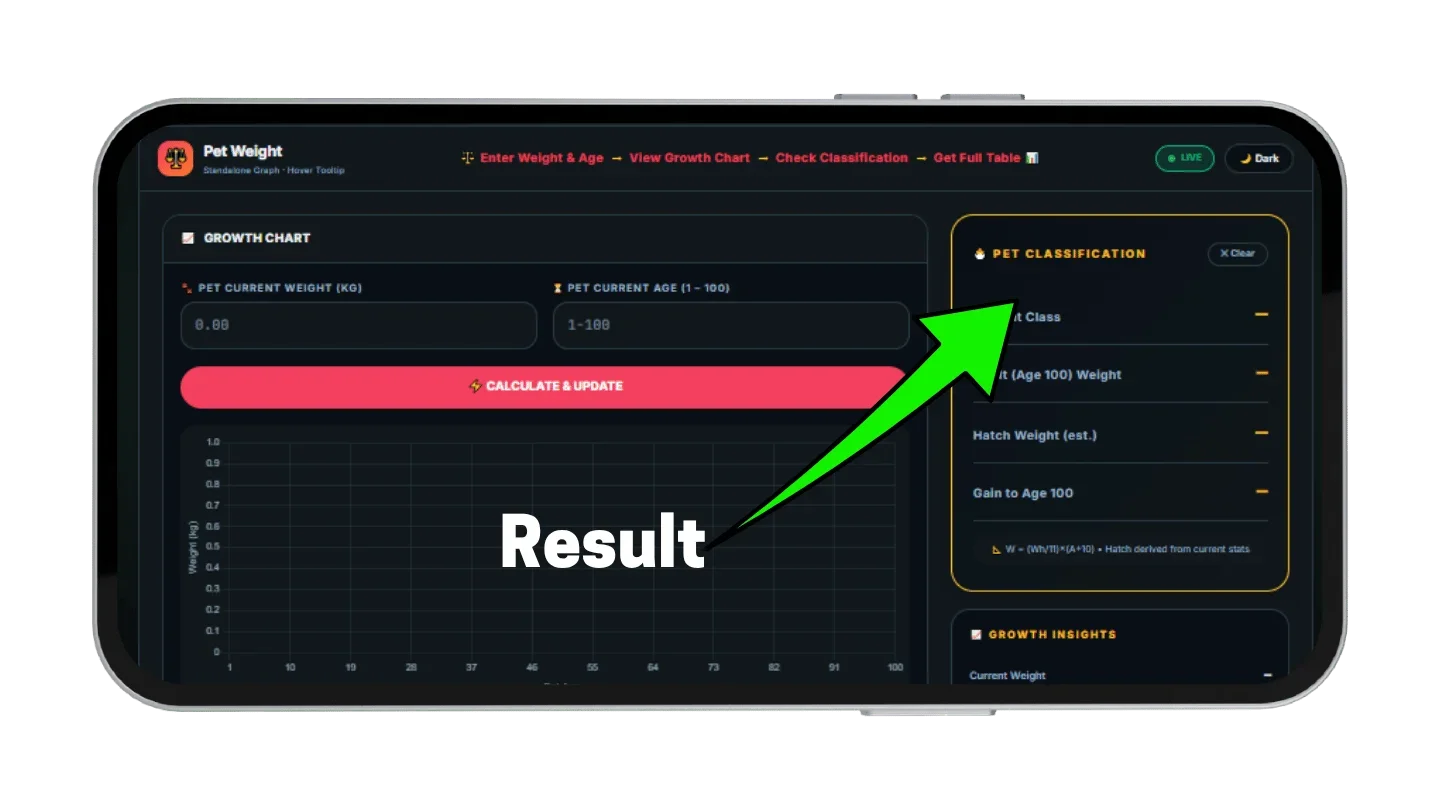
This pet weight calculator accepts any current weight from 0.01 KG upward and any age from 1 to 100. The results panel lists Current Class, Adult (Age 100) Weight, Hatch Weight, and Gain to Age 100. It is one of several single-purpose tools on this site, each limited to one calculation so the inputs stay simple. Item and pet data are kept in the wiki.
How This KG Growth Calculator Works
Using the Grow a Garden Weight Calculator takes two inputs and one click. Hatch weight, the age 1 to 100 projection, and the class are all calculated automatically. The steps are the same for a pet that hatched yesterday and one near age 90. A dark or light display mode is available for long trading sessions.
Enter Current Pet Weight and In-Game Age
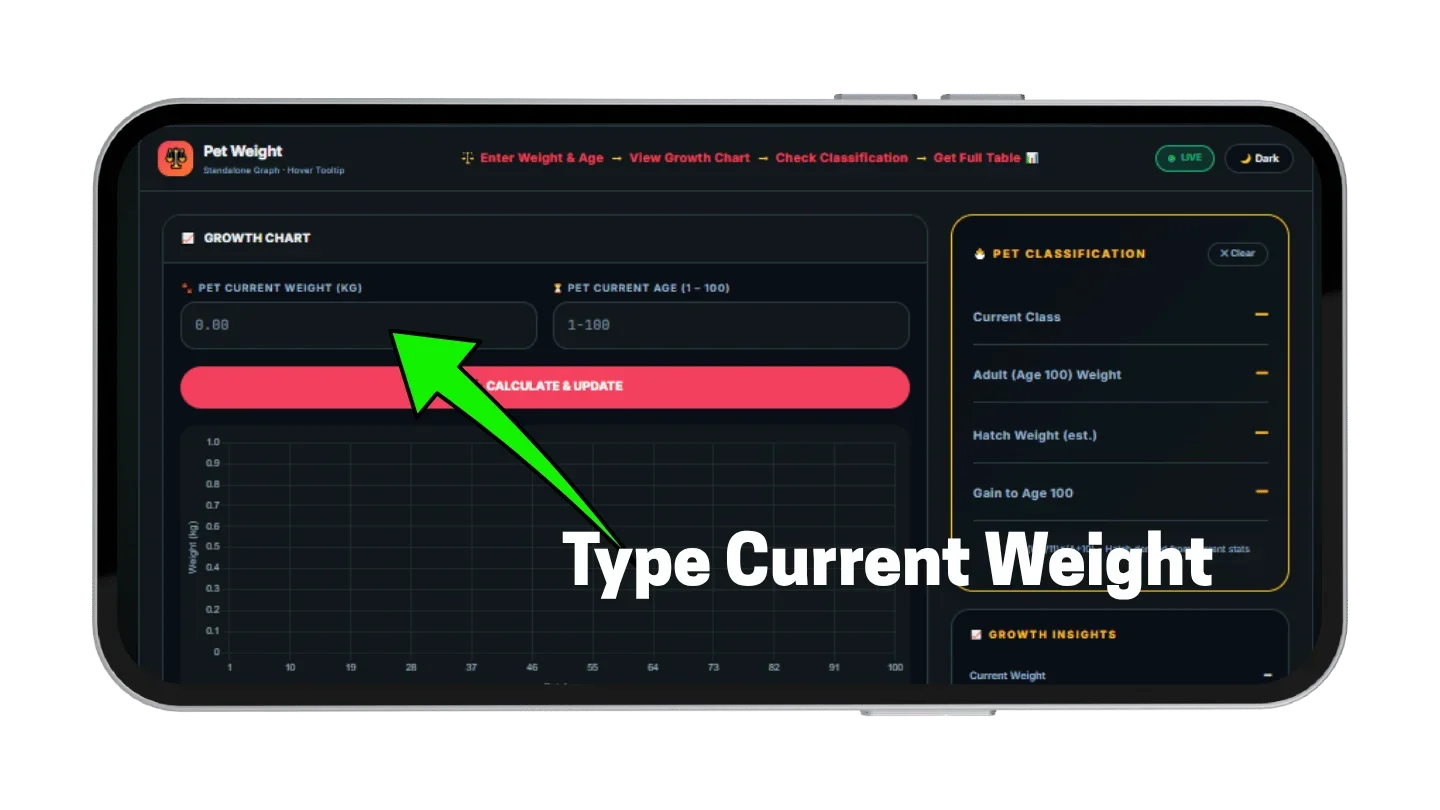
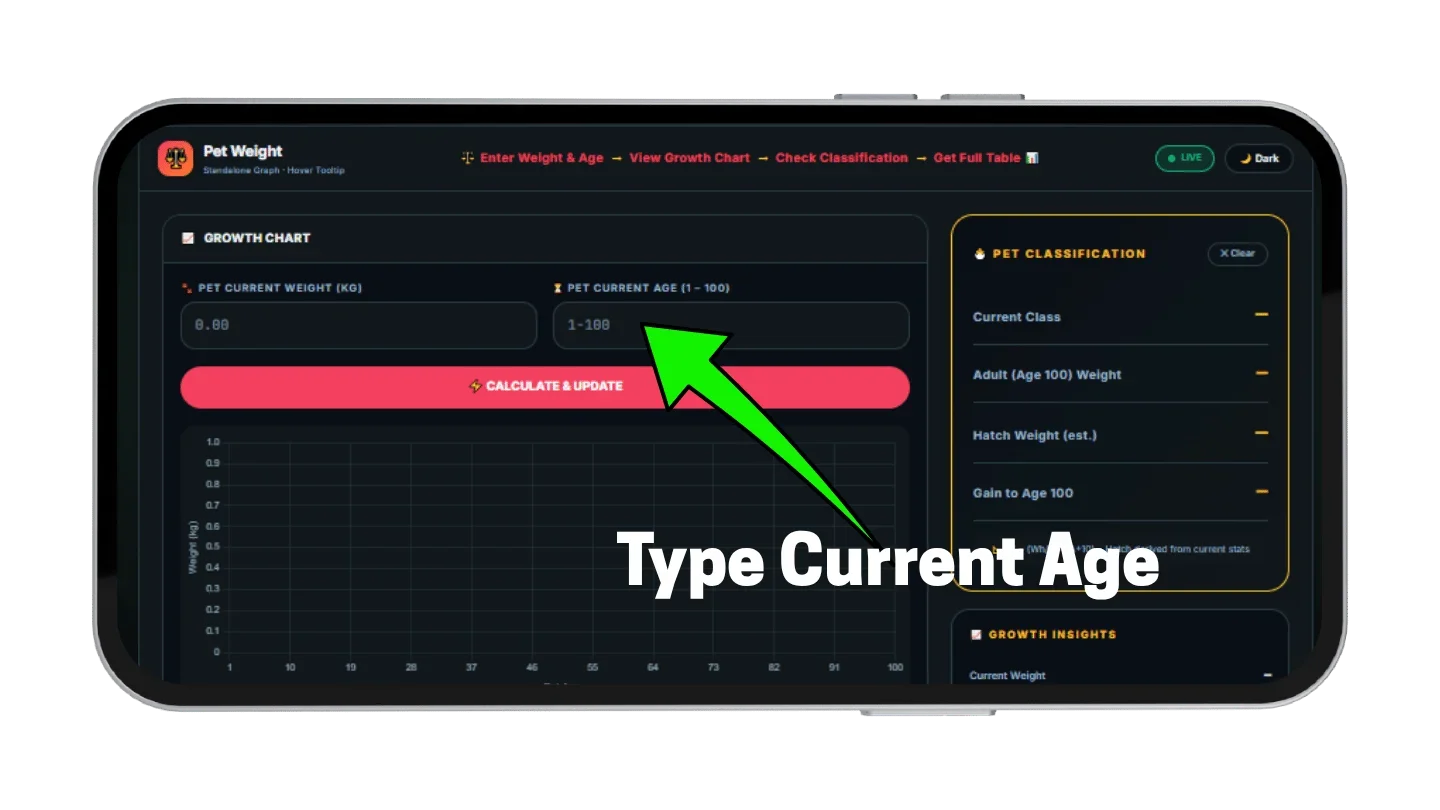
Type the KG value exactly as the pet card shows it. Decimals work, so 3.27 is accepted as readily as 3. Then enter the age, anywhere from 1 to 100. As a pet KG calculator, the tool needs nothing more, because hatch weight is derived from these two values.
Read the Projected Age 100 Growth Trajectory
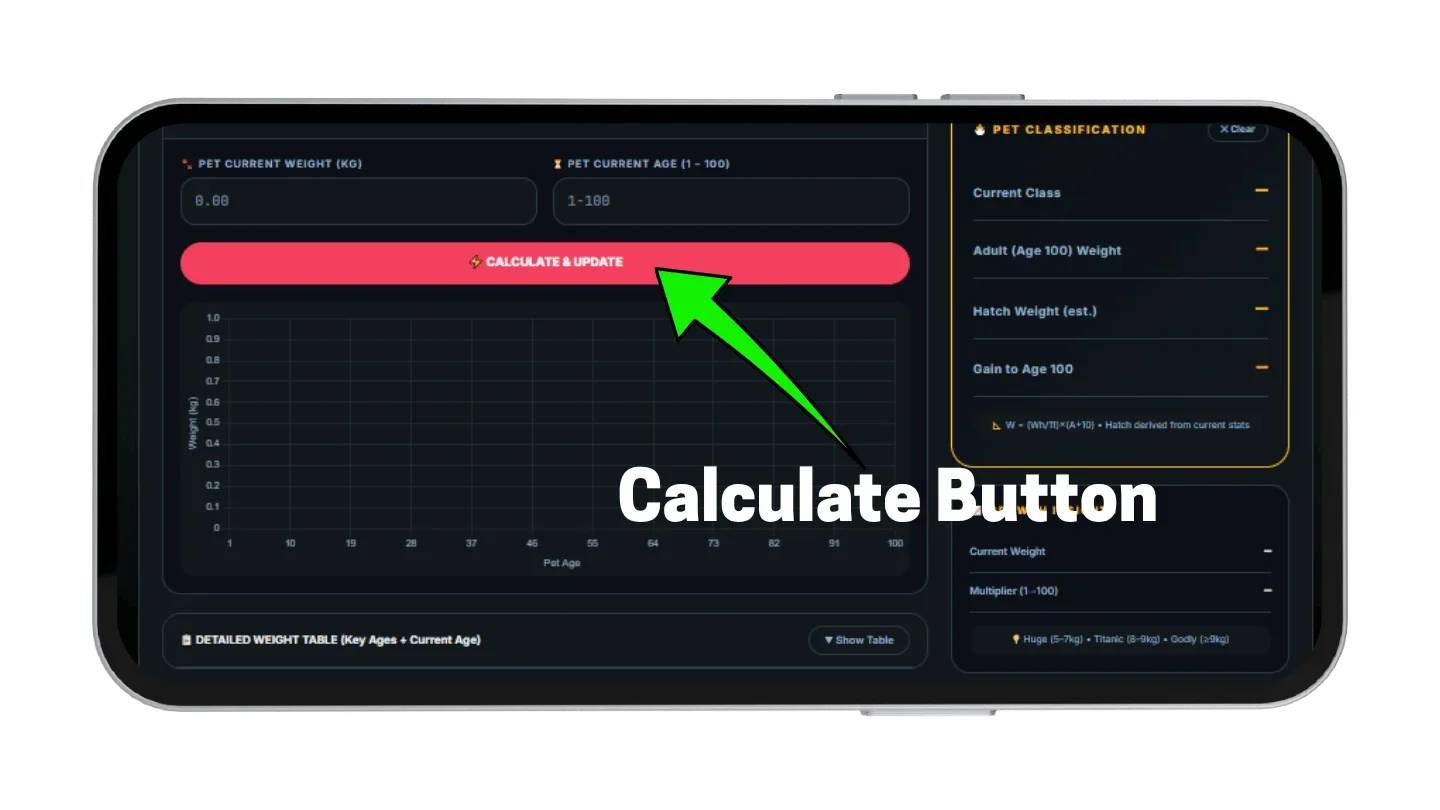
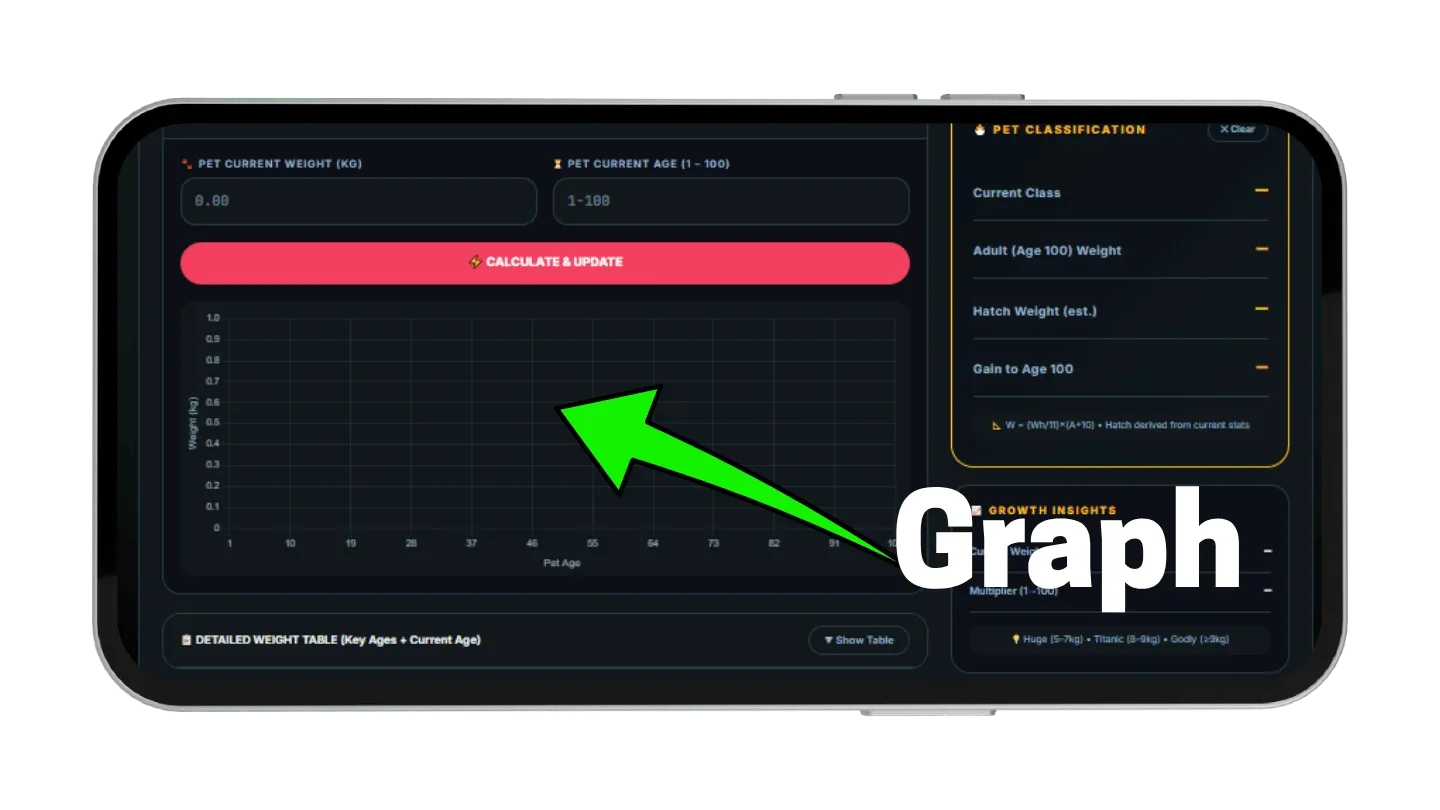
After Calculate is pressed, a line chart plots weight for every age from 1 to 100. Hovering over any point opens a tooltip with the exact KG at that age. Changing an input redraws the line, so two pets can be compared in seconds before a trade is accepted.
Check Your Pet’s Weight Classification Bracket
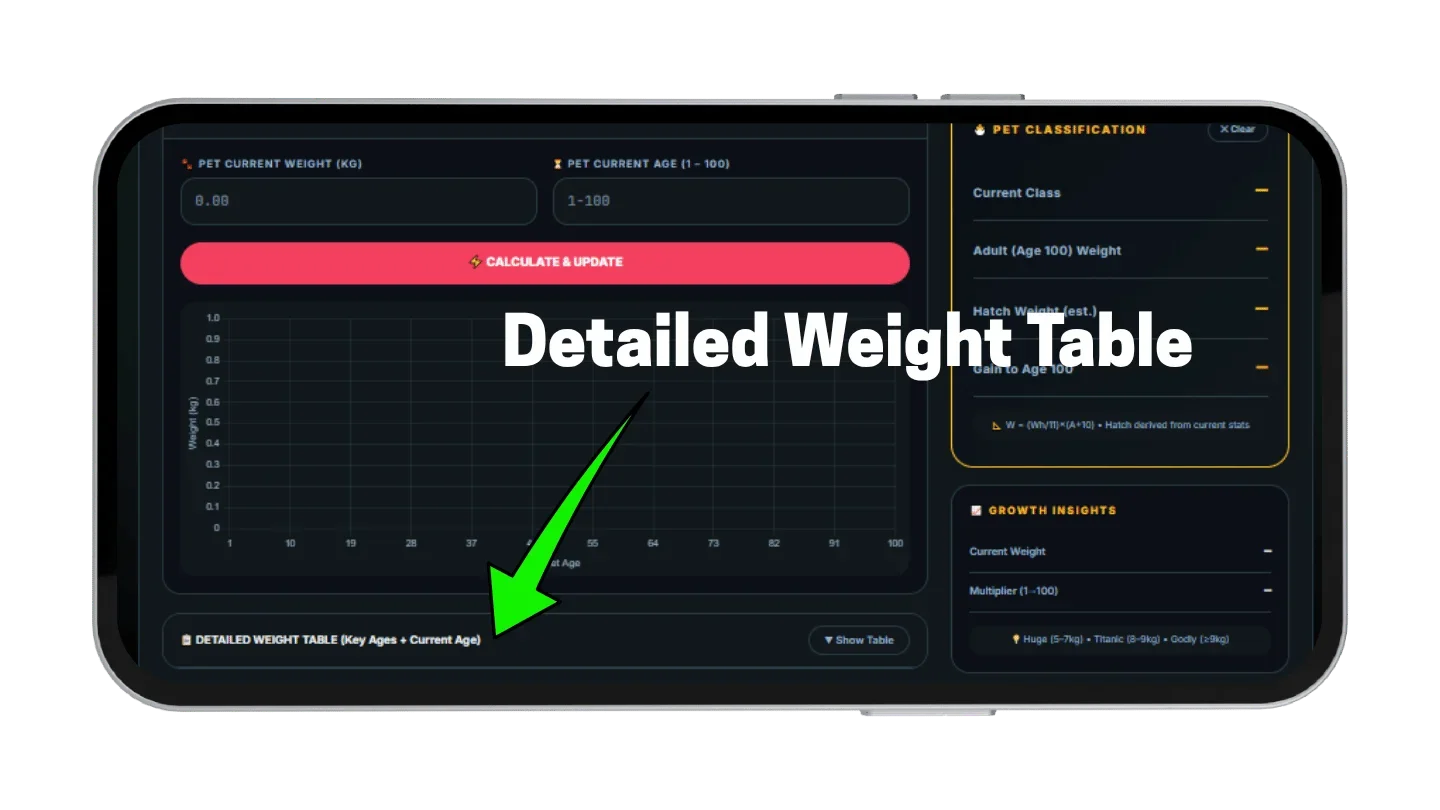
A collapsible table lists key age milestones and highlights the row for the current age. Beside it, the results panel gives the class, the estimated hatch weight, the age 100 weight, and the KG still to be gained. Those four figures answer most questions a trade partner will ask. Once the class is known, a full offer can be judged against it.
Grow a Garden Weight Calculator Screenshots
These screenshots show the tool at each stage, from the two input fields to the growth chart and the results panel. Tap any image to view it full size. Pet value is a separate calculation done after the weight is known.
The In-Game Pet Weight Formula Explained
Every number from the Grow a Garden Weight Calculator comes from one equation. Only hatch weight and age appear in it, so species and rarity do not change the growth line. Two different pets with the same hatch weight grow along exactly the same path. Knowing the equation also makes it easy to check any figure a trade partner quotes.
The Verified Mathematical Weight Curve
Weight at any age equals hatch weight divided by 11, multiplied by age plus 10. In short form:
Here Wh is hatch weight and A is age. At age 1 the result equals hatch weight, and at age 100 it equals exactly ten times hatch weight. Each age level adds Wh ÷ 11 KG, so a pet that hatched at 1.1 KG gains 0.1 KG per level.
The age 100 formula can also skip hatch weight entirely:
Here W is current weight and A is current age.
That one-step form is handy when a quick answer is needed and no tool is open. Crops follow a different rule, with weight squared in the sell price, which the Grow a Garden Fruit Calculator covers.
Mathematical Method to Back-Calculate Hatch Weight
Hatch weight equals current weight multiplied by 11, then divided by age plus 10.
This reverse step is why no hatch records are needed.
Pet Weight Classifications — Normal to Godly
Weight classes sort pets into four bands by KG: Normal, Huge, Titanic, and Godly. The Grow a Garden Weight Calculator compares a pet’s weight with these bands and reports the result as Current Class. A pet moves up a band simply by growing, since growth follows the formula above.
| Class | Weight band |
|---|---|
| Normal | Below 5 KG |
| Huge | 5 KG up to 8 KG |
| Titanic | 8 KG up to 9 KG |
| Godly | 9 KG and above |
Normal and Huge Classification Thresholds
Normal covers every pet below 5 KG, including most young pets from standard eggs at the ages where they usually trade. Huge begins at 5 KG, and that line matters because most abilities scale with weight. A pet at 5.5 KG and one at 4.8 KG sit less than a KG apart. They still fall into different classes and are priced that way.
Titanic and Godly Classification Milestones
Titanic starts at 8 KG and Godly at 9 KG, so only one KG separates the two top bands. Because the gap is so narrow, the final age 100 weight tells more about a young pet than its current class does. A pet weight calculator earns its place here, since the projection settles the question before any waiting. Reaching Godly through ordinary growth is a matter of hatch weight and age, not luck at the moment of trading.
How Age Progression Modifies Pet KG
Age is the only value that changes after hatch. Growth is a straight line, so the KG added per level stays the same for a given pet. The chart in the Grow a Garden Weight Calculator draws that line directly. A higher hatch weight simply means a steeper line, and no cap applies before age 100.
Weight Scaling Per Age Bracket (1 to 100)
KG added per level equals hatch weight divided by 11. The table shows how three common hatch weights climb across the full range. Raising a pet’s age takes XP, and the XP needed for each level depends on the pet.
| Hatch weight | Age 1 | Age 25 | Age 50 | Age 75 | Age 100 | KG per level |
|---|---|---|---|---|---|---|
| 1.0 KG | 1.00 | 3.18 | 5.45 | 7.73 | 10.00 | 0.091 |
| 1.5 KG | 1.50 | 4.77 | 8.18 | 11.59 | 15.00 | 0.136 |
| 2.0 KG | 2.00 | 6.36 | 10.91 | 15.45 | 20.00 | 0.182 |
Why Age 100 Holds Maximum Value
Age 100 is the last level, so it holds the largest weight a pet will ever show. The age 100 formula makes that ceiling exact. Buyers who plan to level a pet usually judge it by that figure rather than by today’s KG. The age at which a pet crosses each class line depends only on hatch weight, as the next table shows.
| Hatch weight | Huge (5 KG) | Titanic (8 KG) | Godly (9 KG) |
|---|---|---|---|
| 1.0 KG | Age 45 | Age 78 | Age 89 |
| 1.5 KG | Age 27 | Age 49 | Age 56 |
| 2.0 KG | Age 18 | Age 34 | Age 40 |
Hatch Weight — Why Starting KG Dictates End-Game Size
Hatch weight is the KG a pet shows at age 1, and it fixes the whole growth line. The Grow a Garden Weight Calculator never asks for it, since it can be derived from current KG and age. Leveling cannot raise the ceiling, because every pet follows the same formula, so pets that look alike at low ages can end up far apart. Which egg to open is a separate question, since hatch odds differ by egg type.
Standard Egg Hatch Weight Distribution
Standard eggs produce hatch weights from approximately 0.88 KG to 2.20 KG, and shop and chest pets usually land between 0.88 KG and 1.32 KG. At age 100 that means 8.8 to 22 KG for standard eggs and 8.8 to 13.2 KG for shop and chest pets. Comparing a pet kg calculator result with these ranges shows whether a pet hatched low, average, or high. The gap between the lowest and highest standard roll exceeds 13 KG at the final level.
Why Same-Age Pets Have Different KG
Two pets at age 30 show the effect clearly. A pet that hatched at 1.0 KG weighs 3.64 KG, and one that hatched at 1.5 KG weighs 5.45 KG. The first is still Normal while the second is already Huge. The difference grows by about 0.045 KG at every level afterward and never closes.
Huge and Titanic Pets — Classification Rules
Huge and Titanic can mean two different things: a weight class and a hatch outcome. The weight class comes straight from KG, as shown above. The hatch outcomes follow separate rules that change a pet’s starting weight, and the Grow a Garden Weight Calculator reads KG only, so it does not model them. Full pet profiles and hatch details are listed in the Grow a Garden Wiki.
The Huge Roll Mechanism and Multipliers
A Huge roll multiplies hatch weight by four. A standard egg that would normally hatch a 1.5 KG pet produces a 6 KG pet instead, which reaches 60 KG at age 100. Community testing puts Huge rolls at roughly 0.1 percent of hatches. The result is obvious at hatch, because the pet’s size is far above other pets from the same egg.
Titanic Eligibility and the Brontosaurus Rule
Titanic eligibility requires a raw hatch weight of at least 3.0 KG. The Brontosaurus adds 30 percent weight to other pets hatched in the same session, but that bonus is excluded from the eligibility check. A pet showing 3.2 KG with the bonus applied has a raw hatch weight near 2.46 KG (3.2 ÷ 1.3), so it does not qualify. When a seller advertises Titanic, ask for the raw figure.
Minimum Hatch KG for Titanic at Age 100
A pet reaches the 8 KG Titanic weight band at age 100 when hatch weight is at least 0.8 KG, since age 100 weight is exactly ten times hatch weight. The same math gives 0.5 KG for Huge and 0.9 KG for Godly. The table also lists the current KG needed at several ages to stay on course. It uses the same age 100 formula as the Grow a Garden Weight Calculator.
| Target class | Minimum hatch KG | Age 10 | Age 25 | Age 50 | Age 75 |
|---|---|---|---|---|---|
| Huge | 0.5 | 0.91 | 1.59 | 2.73 | 3.86 |
| Titanic | 0.8 | 1.45 | 2.55 | 4.36 | 6.18 |
| Godly | 0.9 | 1.64 | 2.86 | 4.91 | 6.95 |
To read it, find the pet’s age and compare its KG with that column. A pet at or above the number is on course for that class by age 100. The table covers weight classes only, while Titanic as a hatch outcome follows the separate raw-hatch rule above. Mutation value is calculated separately in the Grow a Garden Mutation Calculator.
Pro Tips for Trading Pets by Weight
Each tip below comes straight from the formula and needs only the two numbers on a pet card. None calls for a rare pet or extra grinding. They are meant for the moments before a trade is accepted, when a quick check can still change the outcome.
Calculate Projected Age 100 Weight Before Listing Pets
Buyers weigh the ceiling more than the current number. A pet at 4 KG and age 30 may look average, yet its age 100 weight is 11 KG, which is Godly. Leading a listing with the projected weight and class makes that visible and gives the buyer a figure to verify. Before posting, run the pet through the grow a garden weight calculator and copy the age 100 result.
Use Hatch Weight to Identify Undervalued Marketplace Offers
Ask for the offered pet’s current KG and age, then back-calculate hatch weight. A pet at 2.5 KG and age 20 hatched at about 0.92 KG and will reach roughly 9.17 KG, which is Godly. A pet at 3.0 KG and age 20 hatched at 1.1 KG and reaches 11 KG, so it is the better buy at the same price. Rarity and mutations still change the final price, so check the whole offer in the Grow a Garden Trade Calculator.
Confirm Weight Classification Before Finalizing Pet Trades
Class lines sit at 5, 8, and 9 KG, and small gaps near those lines change how a pet is priced. A quick Grow a Garden Weight Calculator check on both pets in a swap covers current class, age 100 projection, and hatch weight. Mutations add value on a separate track and belong in the Mutation Calculator, not in the KG check. Keeping the two steps apart prevents a good mutation from hiding a weak hatch weight.
Pros and Cons of Pet Weight Calculation
Pros
- Back-calculates hatch weight from two inputs
- Full chart from age 1 to 100
- Hover tooltip shows exact weight per age
- Instant class check with age 100 projection
- Collapsible table highlights the current age
- Free, no login, no download needed
Cons
- Brontosaurus bonus is not modeled separately
- Huge roll odds are not shown
- Assumes standard linear growth only
- All inputs are manual, no game sync
- Hatch weight rounds at extreme decimals
Conclusion: Maximizing Pet Growth Potential
Pet weight in Grow a Garden follows one linear formula, and two numbers are enough to project it. Current KG and age give hatch weight, age 100 weight, and the class a pet is heading toward. Hatch weight sets the ceiling, so it matters more than any single level.
Run the next pet through the Grow a Garden Weight Calculator before any listing or purchase. For pet value, XP, and egg odds, use the Pet Calculator, and use the Trade Calculator to check whether a full offer is fair. The Grow a Garden Wiki lists item data for everything else.