
Grow a Garden · Beginner Guide · 2026
Last updated: October 15, 2026
Grow a Garden Beginner Guide — Zero to First Billion Sheckles
Every experienced Grow a Garden player remembers selling a Rainbow Beanstalk for two million Sheckles and thinking they had made it. Then they watched someone else sell a Fossilight with Shocked and a Gold growth variant for forty billion in the same trade chat and realized they had been playing an entirely different game without knowing it. I was that first player for longer than I want to admit. This guide is the map I wish I had on day one — from your first Carrot harvest to your first billion Sheckles, with every step explained clearly. Use the Grow a Garden Calculator at every stage to know the exact value of what you are growing before anyone approaches you with an offer.
This guide covers everything a beginner needs — crops, weight mechanics, mutations, pets, trading, and the exact path to your first billion Sheckles.
Understanding the Basics First
Grow a Garden is a farming game on Roblox where you plant seeds, grow crops, and sell harvests for Sheckles — the in-game currency. That description makes it sound simple. The reality is a layered system where crop rarity, weight mechanics, mutation multipliers, pet abilities, weather events, and trading all interact simultaneously. New players who only understand the surface layer — plant seed, harvest crop, sell — consistently leave ninety percent of available Sheckles on the table every session.
Three mechanics drive almost all of the actual Sheckle value in the game: weight squared, additive mutation stacking, and growth variants. Understand these three things before anything else and every other system in the game makes sense immediately. The main calculator shows all three in action on your specific crop — use it from your very first session, not after you have been playing for weeks.
Your First Week — Crops and Sheckles
Starting With Common Crops
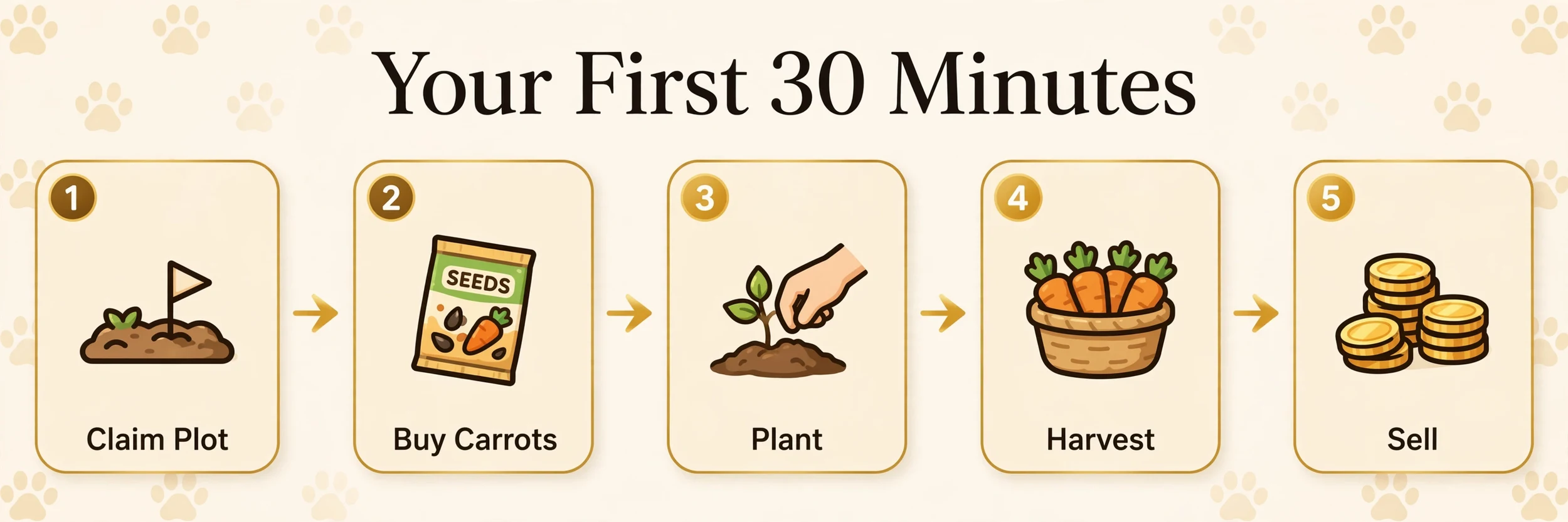
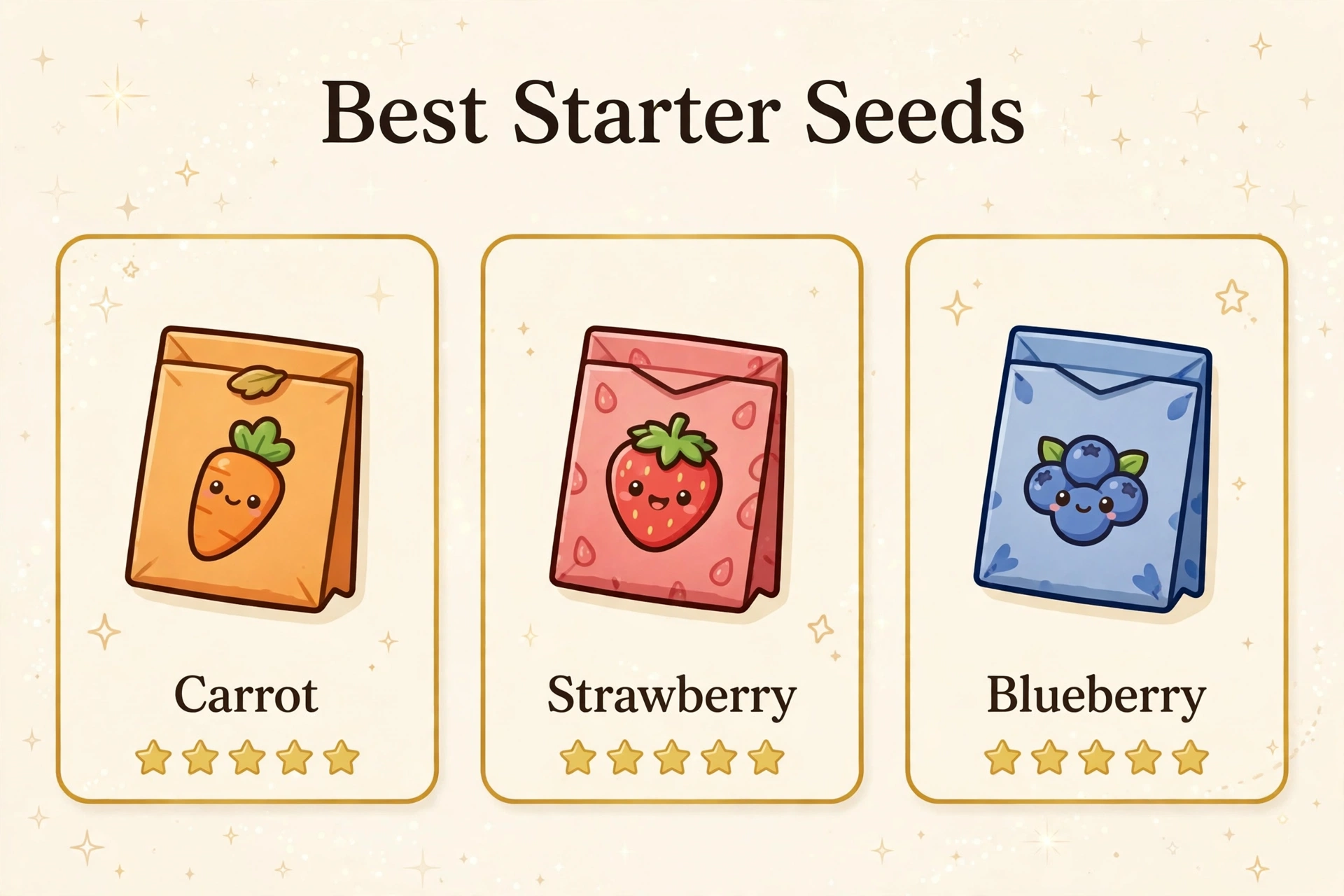
Your first crops will be Common tier — Carrot at ¢10 per kg, Strawberry at ¢20, Tomato at ¢27. These are low-value per-kg crops and they will feel slow to profit from initially. Do not skip this stage — Common crops teach you how weight scaling works, how harvest timing affects value, and how the basic sell screen reads. Every lesson you learn on a Common crop applies directly to a Legendary crop later, except the consequences of getting it wrong are much smaller at the Common stage.
Plant everything you have available in your starting plots and harvest when crops reach their natural peak weight. Do not overthink the timing initially — the goal in your first week is to accumulate Sheckles for seed upgrades and to understand the basic farming loop. Use the fruit calculator even on Common crops to see exactly how much your harvest is worth at different weights before you pick it.
Moving to Uncommon and Rare
| Crop | Tier | Value per kg |
|---|---|---|
| Carrot | Common | ¢10 |
| Strawberry | Common | ¢20 |
| Tomato | Common | ¢27 |
| Cacao | Uncommon | ¢165 |
| Coconut | Uncommon | ¢150 |
| Apple | Uncommon | ¢105 |
| Dragon Fruit | Rare | ¢210 |
| Beanstalk | Rare | ¢250 |
| Crimson Thorn | Rare | ¢290 |
Per-kg values as stated in this guide — weight squaring multiplies these at higher weights.
Once you have accumulated enough Sheckles from Common harvests, upgrade to Uncommon seeds — Cacao at ¢165 per kg, Coconut at ¢150, Apple at ¢105. The jump from Common to Uncommon base values feels significant initially. Then move to Rare — Dragon Fruit at ¢210, Beanstalk at ¢250, Crimson Thorn at ¢290. At Rare tier, a single crop with a decent A-tier mutation starts producing results in the tens of millions of Sheckles, which is when trading becomes a realistic activity rather than just selling harvests at the shop.
Understanding Weight — The Most Important Mechanic
Why Weight Is Squared
Weight is squared in the Grow a Garden formula. This single fact changes everything about how you farm. Going from 5 kg to 10 kg on any crop is not a 2x value increase — it is a 4x increase because 5² is 25 and 10² is 100. Going from 10 kg to 20 kg is a 4x increase again. Every extra kilogram adds more value than the kilogram before it because the squaring effect amplifies weight gains at higher weights.
In practical terms this means patience is a direct Sheckle earner. A Legendary crop at 8 kg is worth dramatically less than the same crop at 16 kg even with identical mutations and no growth variant difference. Let your highest-rarity crops reach maximum weight before harvesting — the Sheckle difference between harvesting early and harvesting at peak weight is larger than most secondary mutations can compensate for. Check both weights on the main calculator before making any harvest decision on a high-value crop.
My Hands-On Experience With Weight
The weight lesson cost me the most in my first month. I was harvesting Legendary crops the moment they looked profitable — usually around 8 to 10 kg — because I was impatient and the number already looked large to me. A more experienced player in a trade chat asked me why I was selling a Fossilight at 9 kg when it could reach 18 kg in another session. I did not have an answer because I had never thought about what 18 kg would produce. He ran both numbers in front of me using the calculator. The 18 kg result was over three times the 9 kg result on the same crop with the same mutation. I stopped harvesting early that day and my session Sheckle totals changed immediately.
Mutations — How to Get Them and What They Do
Starting With Weather Mutations
Weather mutations are the first high-value mutations most new players encounter. Shocked ×100 from Thunderstorm, Celestial ×120 from Meteor Shower, Aurora ×90 from Aurora Borealis — these three cover the most common A-tier mutations that appear in active servers regularly. Stay online during weather events with your highest-rarity crops planted and unharvested. The mutation applies automatically when the weather event hits your tile — you do not need to do anything except be present and have crops in the ground.
The biggest beginner mistake with weather mutations is harvesting crops right before an event. If you clear your garden ten minutes before a Thunderstorm because your crops already look profitable, those crops are gone and ineligible for Shocked. Leave heavy crops unharvested going into any weather event and harvest only after the event fully ends. Full details in our Shocked mutation guide and Celestial mutation guide.
Reading the Mutation Formula
Mutations add together, they do not multiply each other. Shocked ×100 plus Celestial ×120 gives a combined additive value of ×220. A calculator showing ×12,000 for that combination is wrong. Use the mutation calculator to verify any mutation value before a trade. Every mutation on the full list with exact multipliers is in our mutations list guide.
Pets — What to Get First
Beginner Pet Priority
Your first pet priority as a beginner should be Night Owl — not because it has the highest rarity or trade value, but because it gives passive XP to every other pet in your garden every second. Two Night Owls running while you farm normally means every pet in your active loadout is leveling without any manual action from you. This compounds every other pet investment you make going forward. Full pet leveling strategy in our pet XP guide.
After Night Owls, prioritize Kiwi for egg hatch speed and Dragonfly for Gold mutation application on crops. These three pets — Night Owl, Kiwi, Dragonfly — cover XP, hatching, and crop mutation respectively and give a beginner a functional loadout that improves every session without requiring rare pet access. Check the full pet abilities list in our pets list guide.
Pet Weight and Classification
Every pet you hatch has a weight based on hatch roll and age. Huge-rolled pets are worth dramatically more than Normal-rolled pets of the same species at the same age — full details in our Huge vs Titanic pet guide. Before trading any pet you believe might be Huge or Titanic, back-calculate its hatch weight using the weight calculator so you know its actual ceiling before any negotiation starts.
Trading — How Not to Lose Sheckles
Calculate Before You Respond
Every trade loss in Grow a Garden happens in the same five seconds — the gap between receiving an offer and responding without knowing the real numbers. Before you respond to any trade offer, open the main calculator for crop offers and the pet calculator for pet offers. Enter your item with all its details. Enter their item with all its details. Read the numbers. Then respond.
This habit takes thirty to sixty seconds per trade and eliminates the most common category of trade loss entirely — the loss that happens because you trusted a number someone else gave you without verifying it. The players who win consistent trades are not more experienced or more knowledgeable about the game. They are the ones who check the calculator before every response.
Using the Trade Calculator
The Grow a Garden Trade Calculator compares both sides of any pet trade simultaneously and returns a Win, Fair, or Lose verdict with the exact Sheckle difference. Use it for any trade involving pets on both sides. Win means their offer is worth more than fifteen percent above yours. Lose means you are giving away more than you are receiving by that margin. Fair means both sides are within fifteen percent of each other. Always set mutation tier and growth form for both sides before reading the verdict — a missing input produces a completely wrong result.
The Path to Your First Billion
Getting to your first billion Sheckles in Grow a Garden is a combination of crop tier progression, weight patience, weather mutation timing, and trade accuracy. The milestone typically happens when you have your first Legendary crop at peak weight during a Thunderstorm or Meteor Shower event with an A-tier mutation applied — Shocked or Celestial on a Fossilight or Cyclamen at 15 kg or above produces results in the multi-billion range from a single crop.
The players who reach this milestone fastest are the ones who understood weight squaring early, stopped harvesting crops before weather events, and calculated every trade with the actual numbers before accepting. None of that requires rare pets, special event access, or luck beyond what every active server provides. It requires the habit of checking the calculator before every harvest and every trade — which takes thirty seconds and costs nothing.
Frequently Asked Questions
Start Today, Use the Tools
Every billion-Sheckle crop you will ever grow starts with the same three habits: patience with weight, presence during weather events, and calculation before every trade and harvest. None of these require rare pets or special access — they require the discipline to check the number before acting on it. The players farming tens of billions per session are not lucky — they built these habits early and they have never stopped using them.
Start with the main calculator on your very first crop today. Check our mutations list before your first trade. Read the pet XP guide before you spend your first egg resources. The beginner who uses the tools from session one consistently outperforms the veteran who still guesses.


